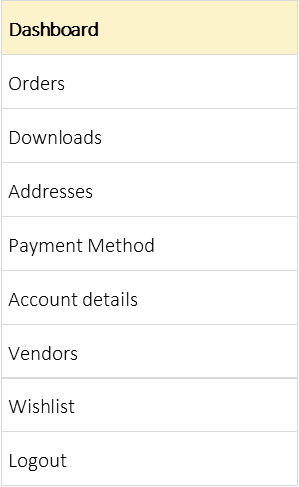
“Your Dashboard keeps everything you need in one place — from orders to favorites.”
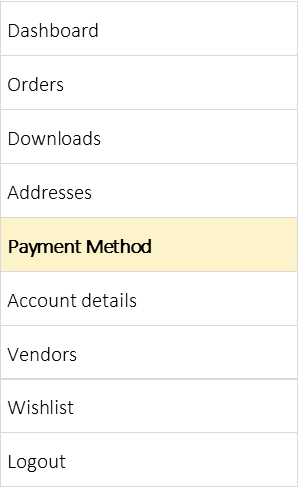
My Dashboard
Hello, I’m Rebecca, the owner of My Local Crafters — and I’m so glad you’re here!
We get it — reading instructions isn’t the fun part of being creative. Most of us would rather jump right in, but skip a step and things can quickly look a little “abstract.” Follow the steps in order and you’ll save time, avoid rework, and create a Storefront that looks picture-perfect from the start.
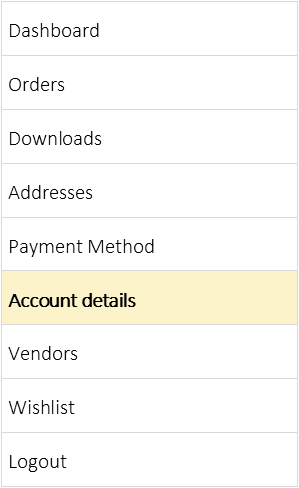
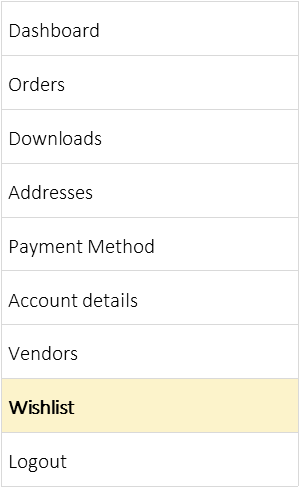
From your account dashboard you can view your recent orders, manage your shipping and billing addresses, and edit your password and account details.
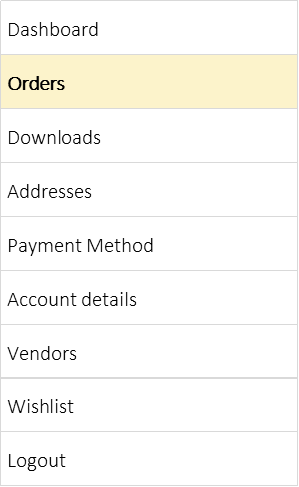
Orders
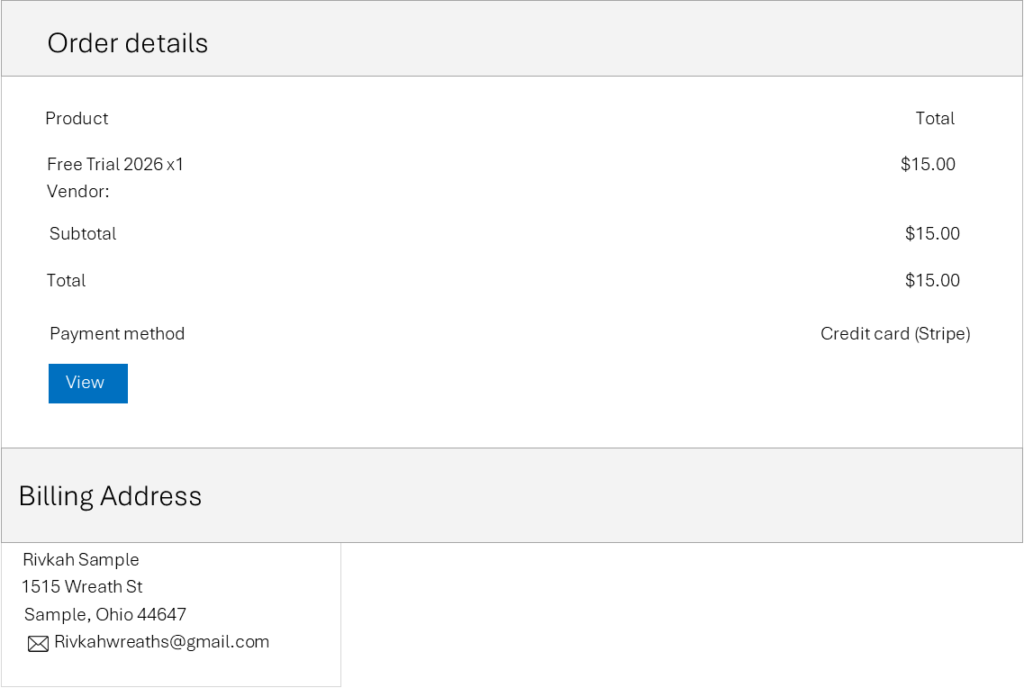
This section displays a summary of your recent orders, including the order number, date, status, and total amount. Each order is clearly listed so you can quickly review your purchase history and track its progress.
The View button allows you to access detailed information about a specific order, including items purchased and order details.
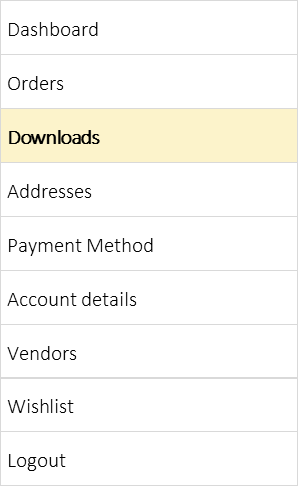
Downloads
This section displays your downloadable items. If you have not purchased any downloadable products, you will see a message indicating that no downloads are available.
Use the Browse products button to explore and purchase items that include downloadable content.
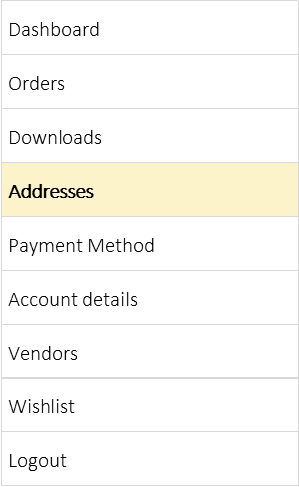
Addresses
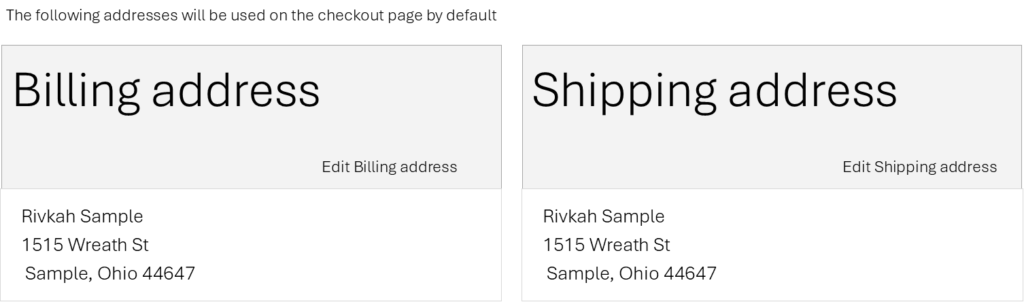
This section displays your saved billing and shipping addresses, which are used by default during checkout. You can review your current address details and update them at any time by selecting Edit Billing address or Edit Shipping address. Keeping this information up to date ensures a smooth and accurate checkout and delivery process.
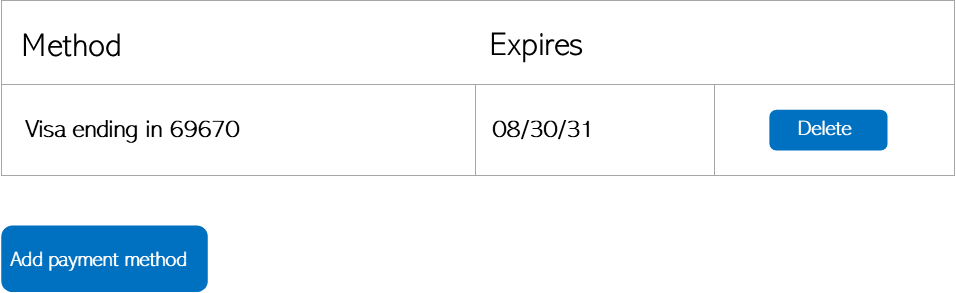
Payment Method
This section is where you add or update how you’ll pay for your purchases. This includes entering your card details or selecting another accepted payment option.
Your payment information is saved securely and will be used for future charges, especially after any trial period ends. You can update or change your payment method at any time.
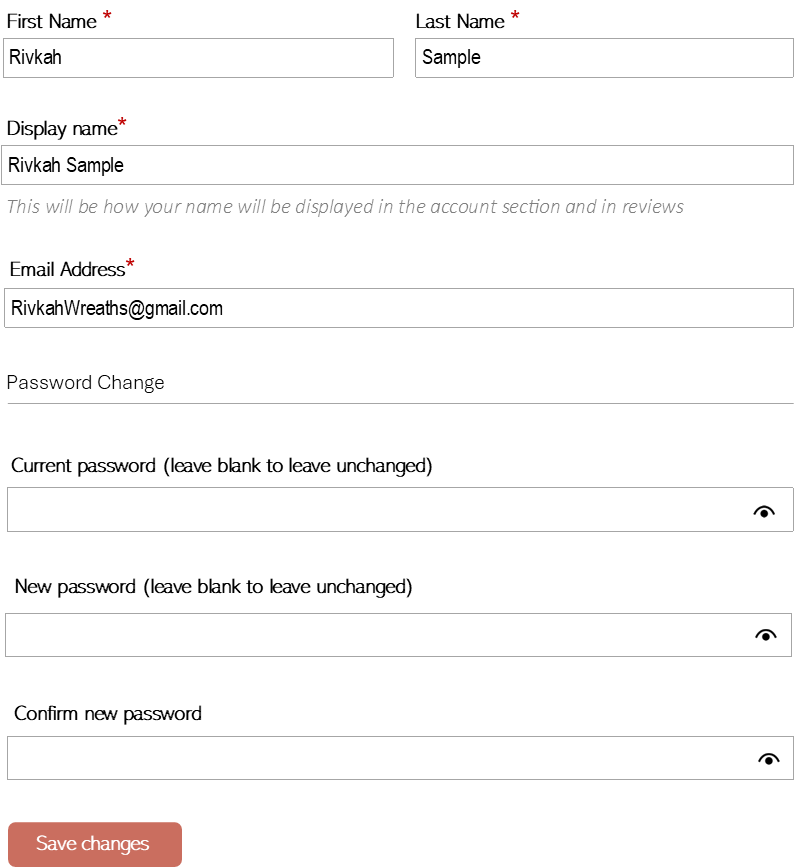
Account Details
This section is where you add or update how you’ll pay for your subscription or purchases. This usually includes entering your card details or selecting another accepted payment option.
Your payment information is saved securely and will be used for future charges, especially after any trial period ends. You can update or change your payment method at any time.
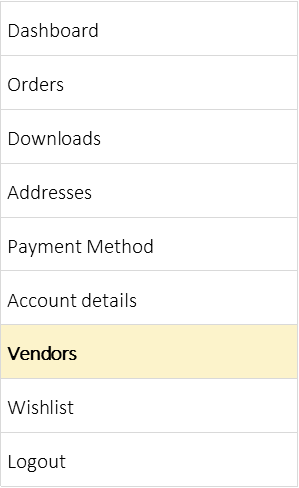
Vendors
As a Maker, you can also be a Shopper—and hopefully a Buyer! When you search for Makers and choose to follow them, their information will appear here so you can easily find them again later. The Maker will also see that you’re following them and may share updates like new products, discounts, or special offers.
Wishlist
The Wishlist is your personal space to save products you’re interested in, perhaps for a special occasion, holiday etc. It helps you keep track of your favorites so you don’t have to search for them again later.
You can come back anytime to view, manage, or remove items from your wishlist, making it easy to stay organized and shop when you’re ready.